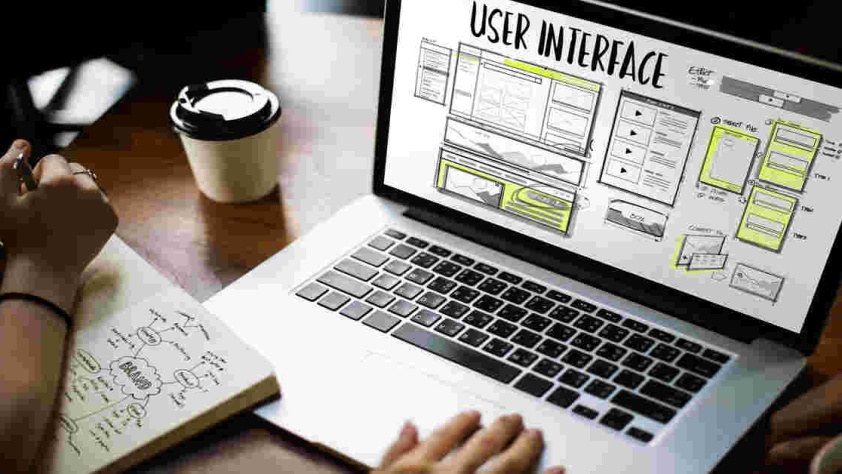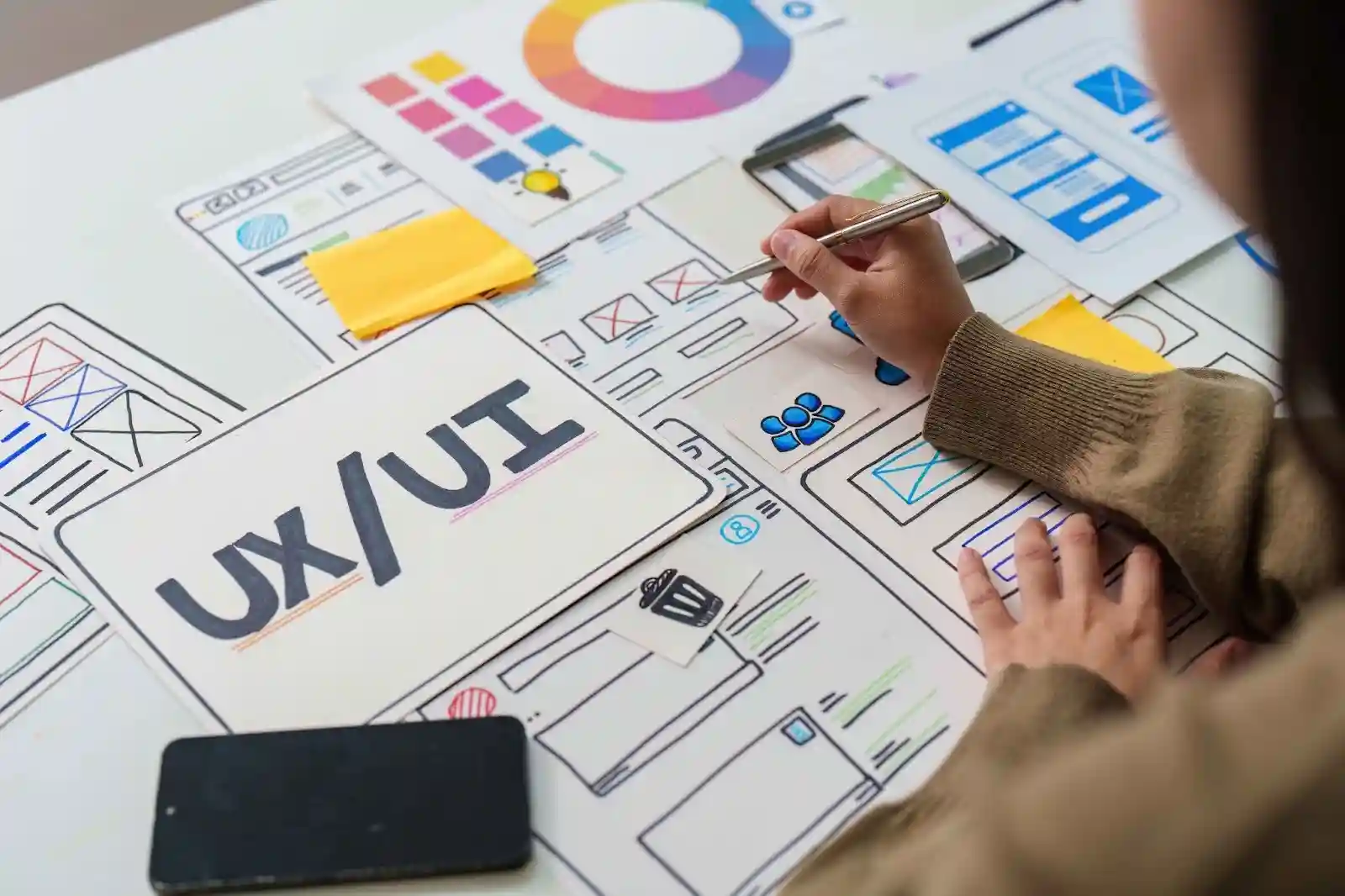
In the world of digital design, the user interface (UI) plays a crucial role. It’s not just about aesthetics; it’s about creating an experience that users find satisfying and engaging. One of the best ways to achieve this is through effective UI patterns. These patterns help shape how users interact with a website or application, ultimately enhancing their overall satisfaction. In this blog, we’ll discover seven UI patterns that can significantly boost user satisfaction.
Understanding UI Patterns
What are UI Patterns?
UI patterns are recurring solutions to common design problems. They serve as templates for designers to follow when creating interfaces. Think of them as best practices that have evolved over time based on user behavior and feedback. By using UI patterns, designers can create familiar and intuitive experiences that guide users seamlessly through their journeys.
The Impact of UI Patterns on User Experience
UI patterns have a direct impact on user experience (UX). A well-designed interface can make tasks easier and more enjoyable. When users can navigate effortlessly, they feel more satisfied. UI patterns help reduce confusion and frustration, leading to a more pleasant interaction.
The Evolution of UI Patterns
UI patterns have evolved significantly over the years. As technology changes and user expectations grow, so do design strategies. What worked five years ago might not be effective today. Designers are constantly adapting to new trends and technologies, ensuring that UI patterns remain relevant and effective.
Pattern 1: Cards
Overview of Card UI Design
Card design is a popular UI pattern that groups related information into visually distinct blocks. Each card typically contains an image, a title, brief content, and a call to action. This format is clean, organized, and easy to scan, making it perfect for displaying multiple items.
Benefits of Using Card UI Patterns
Cards enhance user satisfaction in several ways. First, they allow users to quickly digest information. With concise content and appealing visuals, users can easily identify what interests them. Second, cards are responsive and adapt well to different screen sizes, providing a consistent experience across devices.
Examples of Effective Card Designs
Many websites and apps successfully implement card designs. For instance, Pinterest uses cards to showcase images, making it easy for users to browse and discover new content. Similarly, e-commerce platforms like Amazon use cards to display product information, making shopping intuitive and enjoyable.
Pattern 2: Infinite Scroll
Understanding Infinite Scroll
Infinite scroll is a UI pattern that allows users to continuously load content as they scroll down a page. Instead of navigating through pages, users can keep scrolling to see more items. This pattern is commonly used on social media platforms and news websites.
Pros and Cons of Infinite Scroll
While infinite scroll offers a smooth experience, it has both advantages and disadvantages. On the positive side, it encourages users to stay engaged longer by eliminating the need for page refreshes. However, it can also lead to frustration if users want to access specific content or reach the footer of the page.
Best Practices for Implementing Infinite Scroll
To maximize user satisfaction with infinite scroll, designers should provide clear indicators of loading content. A loading spinner or progress bar can reassure users that more content is on the way. Additionally, offering a “Load More” button can give users control over their experience, allowing them to choose when to load additional content.
Pattern 3: Modal Windows
What are Modal Windows?
Modal windows are overlay dialogs that appear on top of the main content. They are used to capture user attention without navigating away from the current page. Modals can serve various purposes, such as confirming actions, displaying important information, or collecting user input.
Enhancing User Experience with Modals
When designed well, modal windows can enhance user experience. They create a sense of urgency and focus users on the task at hand. However, poorly designed modals can disrupt the flow and lead to frustration. It’s crucial to ensure that modals are easy to close and do not obstruct important content.
Common Use Cases for Modal Windows
Modals are effective in various scenarios. For example, they can be used for newsletter sign-ups, confirming purchases, or displaying error messages. By using modals thoughtfully, designers can create impactful moments that guide users without overwhelming them.
Pattern 4: Breadcrumbs
The Role of Breadcrumbs in Navigation
Breadcrumbs are a navigational aid that displays the user’s current location within a website’s hierarchy. They typically appear as a series of links, allowing users to trace their steps back to previous pages. This pattern helps users understand where they are and how to navigate back.
Benefits of Using Breadcrumbs
Breadcrumbs enhance user satisfaction by providing clarity and context. Users can easily navigate to higher-level pages without using the back button. This feature is especially useful for websites with complex structures, such as e-commerce sites or extensive content libraries.
Examples of Effective Breadcrumb Implementations
Many successful websites use breadcrumbs effectively. For instance, e-commerce platforms like eBay display breadcrumbs to help users navigate through categories and subcategories. News websites also utilize breadcrumbs to allow readers to explore related articles easily.
Pattern 5: Tabbed Navigation
Understanding Tabbed Navigation
Tabbed navigation organizes content into separate sections, each represented by a tab. Users can click on tabs to switch between different content areas without leaving the page. This pattern keeps interfaces clean and allows for easy exploration of related content.
Enhancing User Experience with Tabs
Tabbed navigation enhances user experience by simplifying content access. Users can quickly switch between sections without extensive scrolling or page reloads. This efficiency leads to higher satisfaction as users can find information without frustration.
Designing Effective Tabbed Interfaces
When designing tabbed navigation, it’s essential to label tabs clearly. Use descriptive titles that indicate the content within each tab. Additionally, ensure that the default tab selected is the most relevant to the user’s needs, guiding them smoothly into their journey.
Pattern 6: Progress Indicators
Importance of Progress Indicators
Progress indicators show users how far along they are in a process, such as filling out a form or completing a checkout. These indicators provide valuable feedback, letting users know what to expect next.
How Progress Indicators Enhance Satisfaction
Progress indicators enhance user satisfaction by reducing anxiety. When users see how much they have completed and how much is left, they feel more in control. This transparency can lead to higher completion rates for tasks like registrations or purchases.
Types of Progress Indicators
There are several types of progress indicators. Linear progress bars show a percentage of completion, while circular indicators represent progress in a more visual way. Designers should choose the type that best fits the context and user expectations.
Pattern 7: Responsive Design
What is Responsive Design?
Responsive design ensures that a website or application adapts seamlessly to different screen sizes. Whether users are on a desktop, tablet, or smartphone, responsive design provides a consistent experience.
Enhancing User Satisfaction with Responsive Design
Responsive design enhances user satisfaction by eliminating frustration. Users don’t have to zoom in or scroll horizontally to read content. Instead, everything adjusts to fit their screen, making navigation easier and more enjoyable.
Best Practices for Implementing Responsive Design
To create a successful responsive design, designers should prioritize flexible layouts and scalable images. Using a fluid grid system allows content to adjust proportionally. Additionally, media queries can help tailor styles for different devices, ensuring an optimal experience across the board.
Conclusion
UI patterns are essential tools in enhancing user satisfaction. By implementing effective patterns like cards, infinite scroll, modals, breadcrumbs, tabbed navigation, progress indicators, and responsive design, designers can create interfaces that are not only functional but also enjoyable to use.
As technology evolves, staying updated on UI patterns will help designers create engaging and satisfying experiences. By focusing on user needs and preferences, we can continue to innovate and improve the digital landscape.